iOS Companion App for AI Product Photography
Pixelus Mobile

Pixelus transforms product photos into lifestyle shots, editorial scenes, and platform-ready content from your phone. Upload product photos, choose a style, pick your platforms, and hit generate. The AI handles background removal, scene composition, and platform-specific sizing.
Six creative styles per product: Lifestyle, Product Ad, Artistic, Clay Render, Wireframe, and On Model. Nine platform export presets with native aspect ratios covering Amazon, Shopify, Instagram Post, Instagram Story, TikTok, Facebook Ad, Pinterest, Etsy, and Website Banner.
Batch processing lets you upload multiple products and get full campaigns back. A built-in photo editor offers filters (Warm, Cool, Vivid, Muted) and manual adjustments. Brand templates save and reuse style settings across shoots. Push notifications fire when a batch is ready. Everything runs in the cloud, no GPU required.
Gallery
Tide Surf — locked product motion
Old Spice Deep Sea — locked product motion
Old Spice Eaglefangs — locked product motion
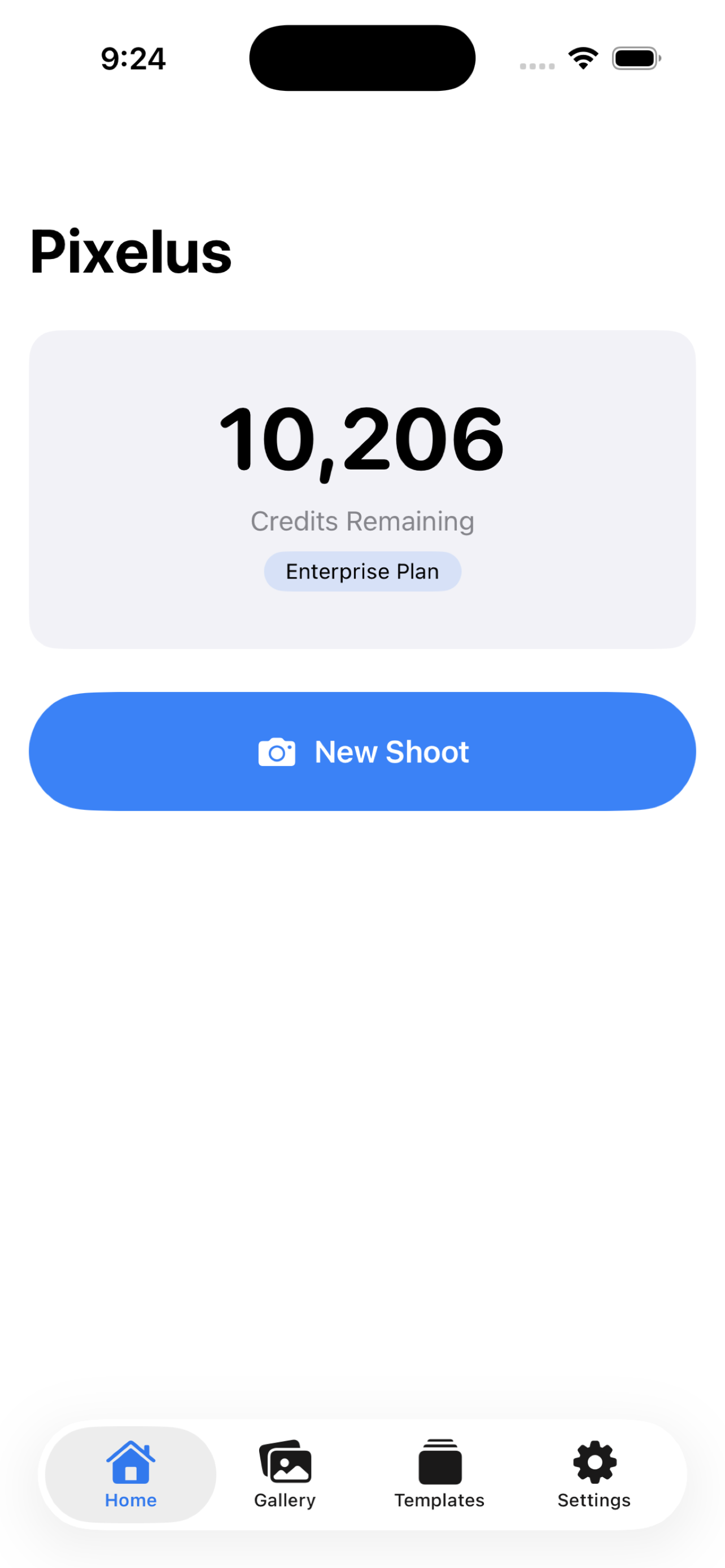
Pixelus Mobile - Home Screen
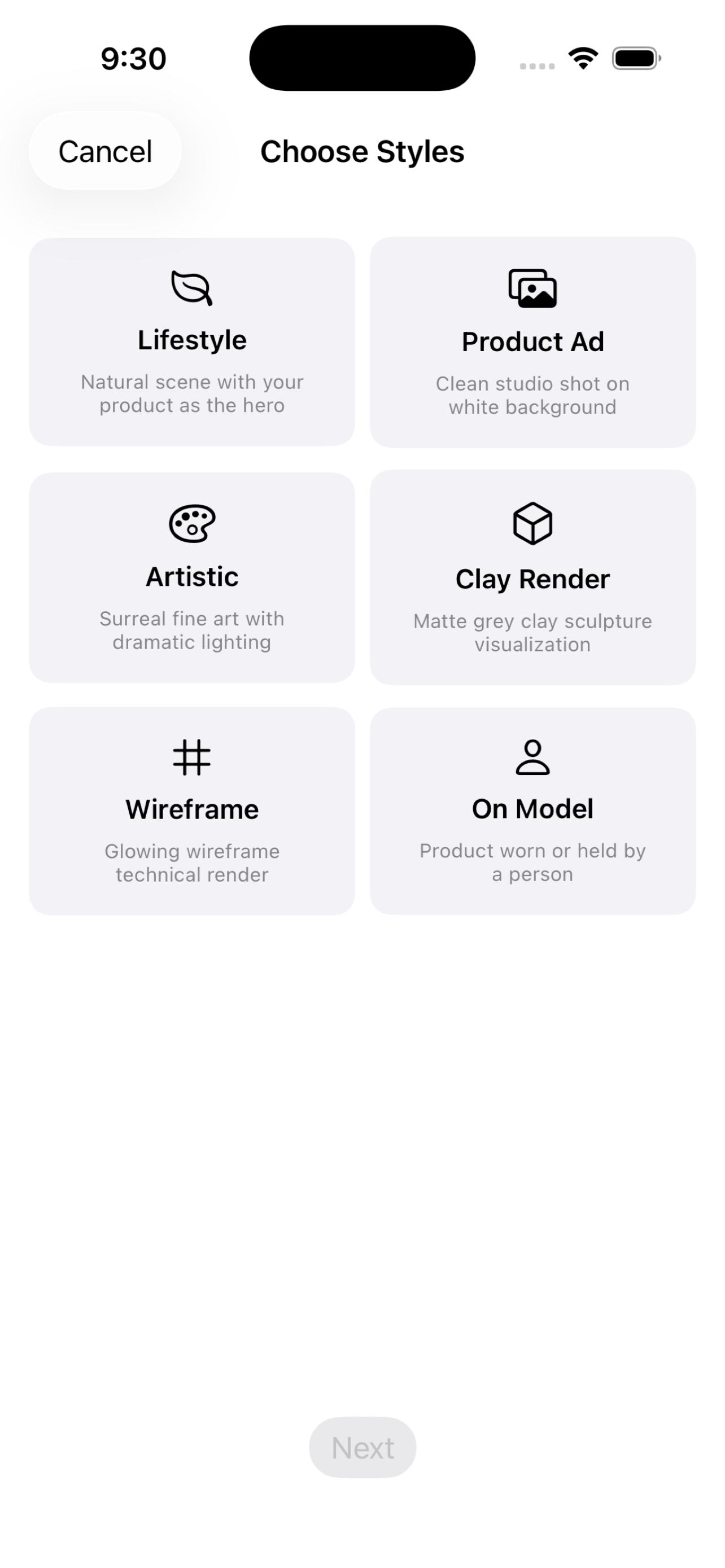
Pixelus Mobile - Style Selection
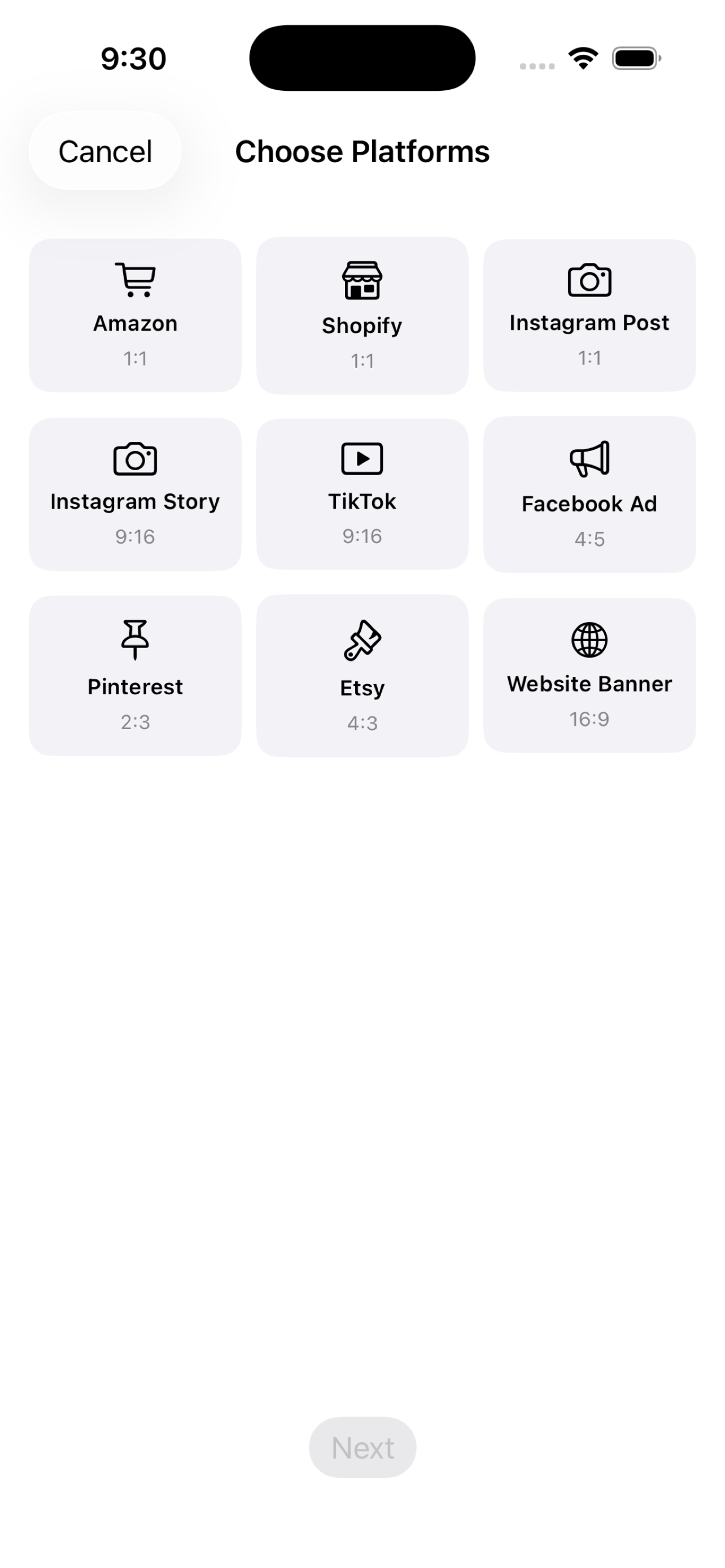
Pixelus Mobile - Platform Selection
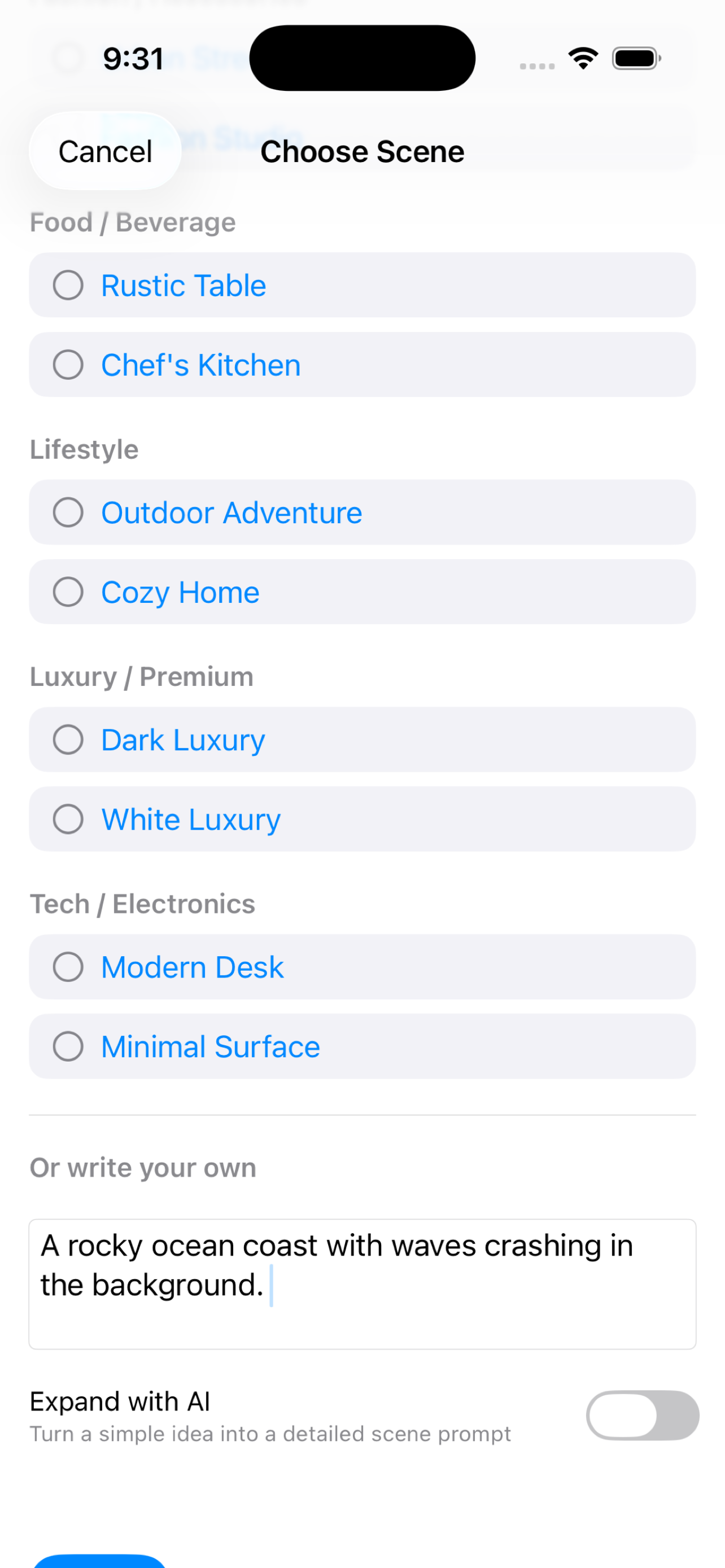
Pixelus Mobile - Scene Selection
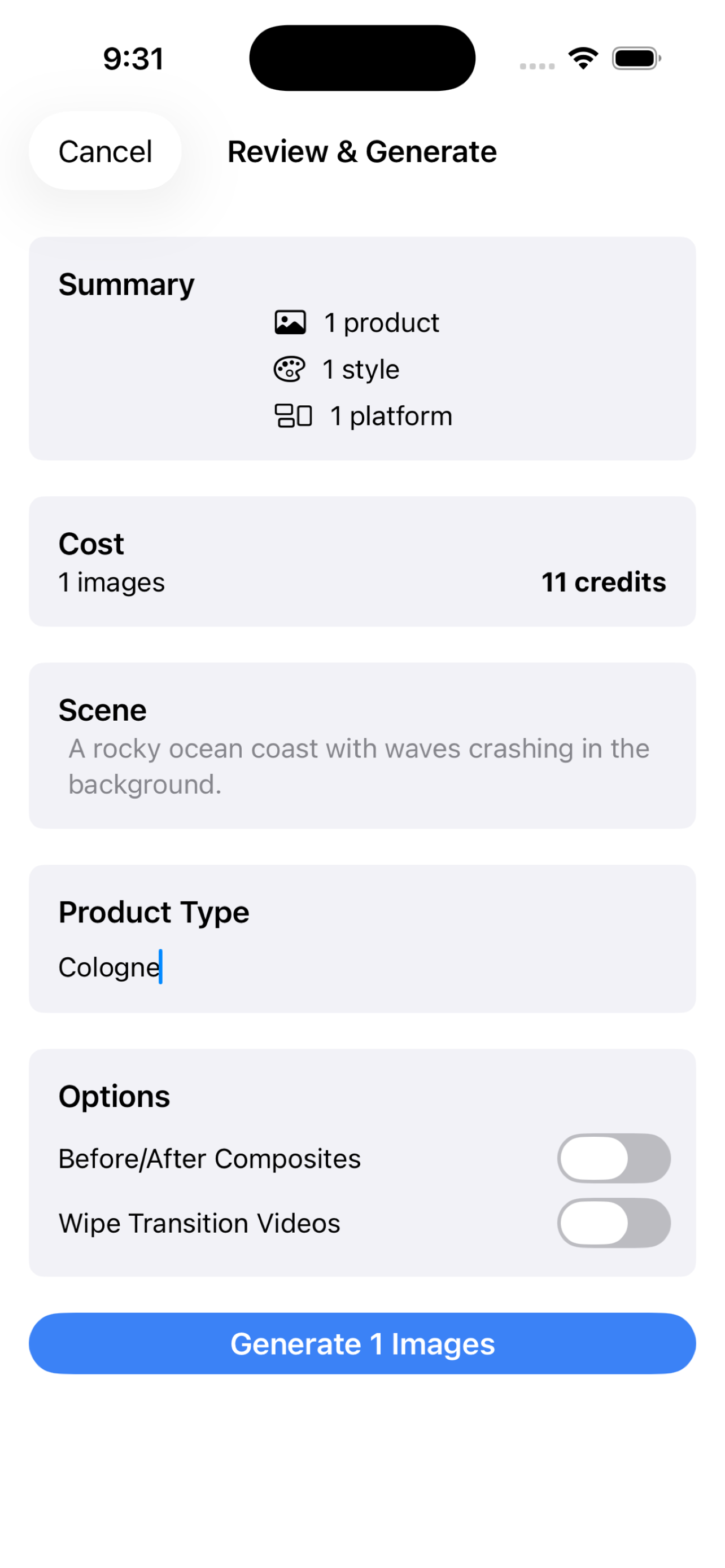
Pixelus Mobile - Review and Generate
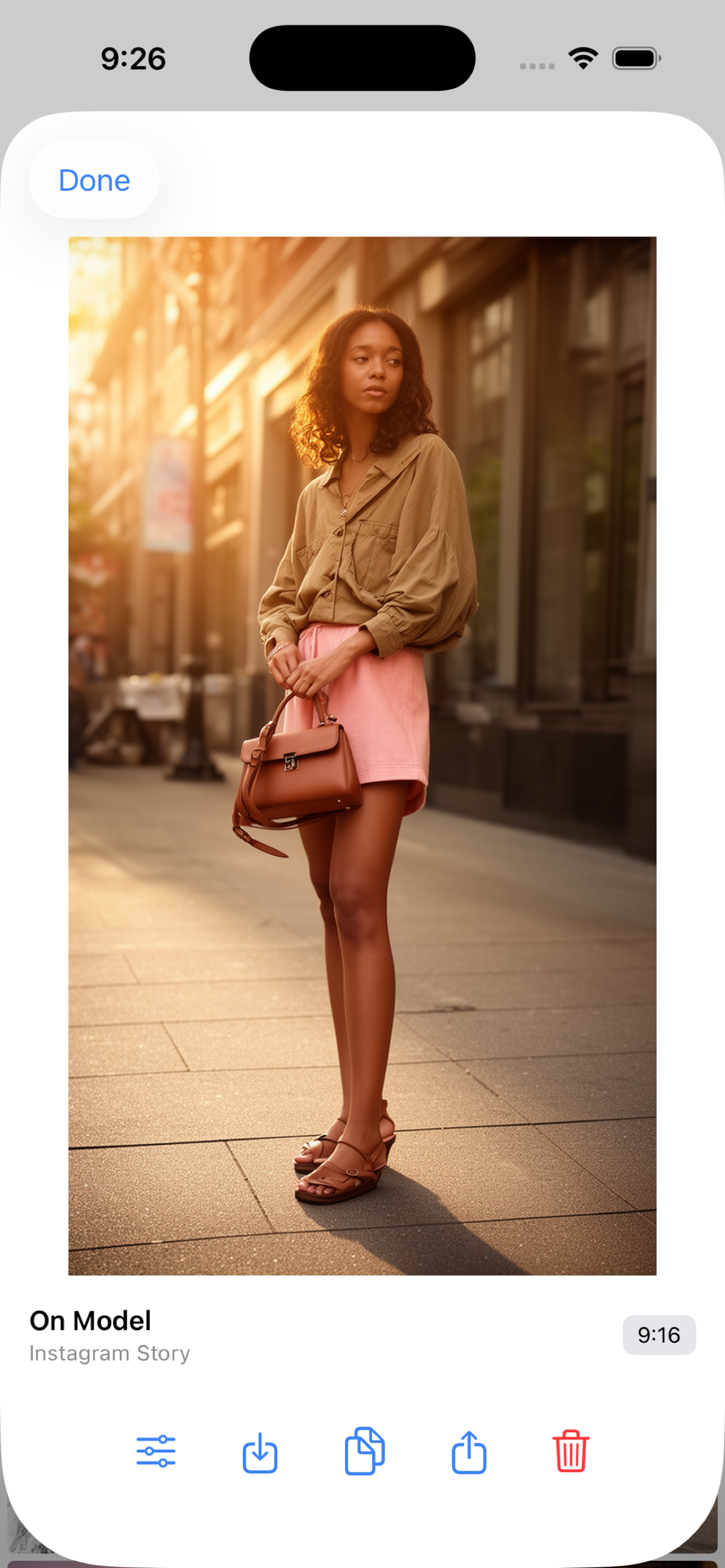
Pixelus Mobile - On Model Result
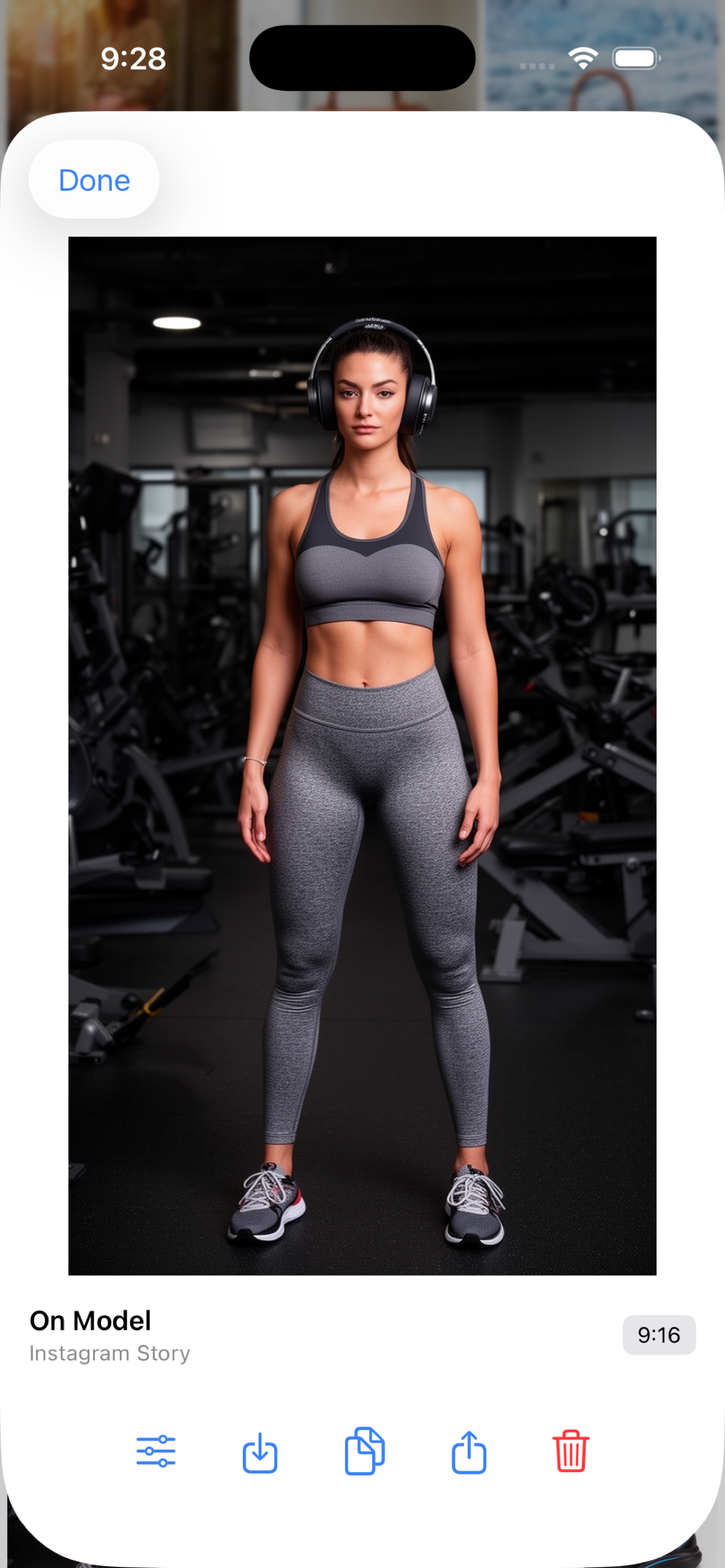
Pixelus Mobile - On Model Athletic Wear
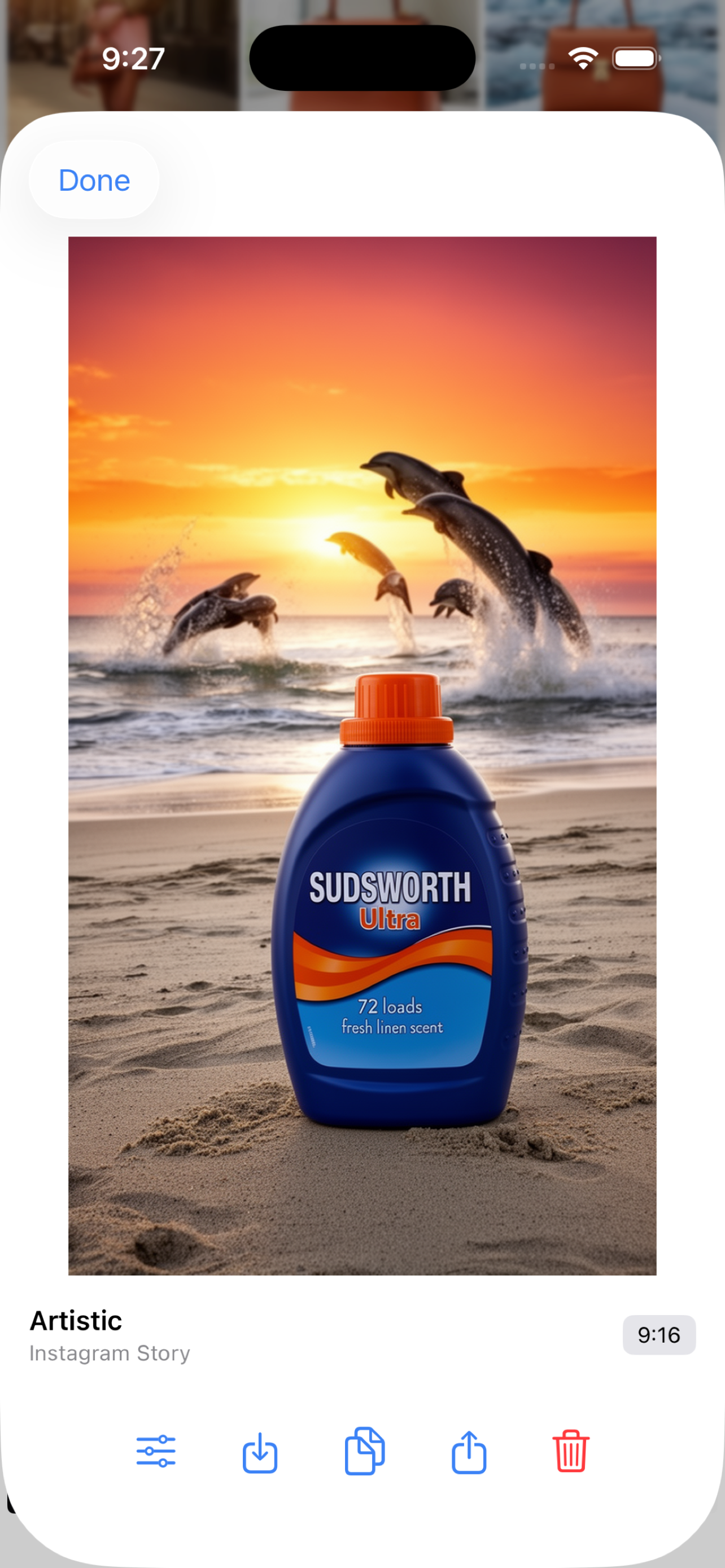
Pixelus Mobile - Artistic Style Result
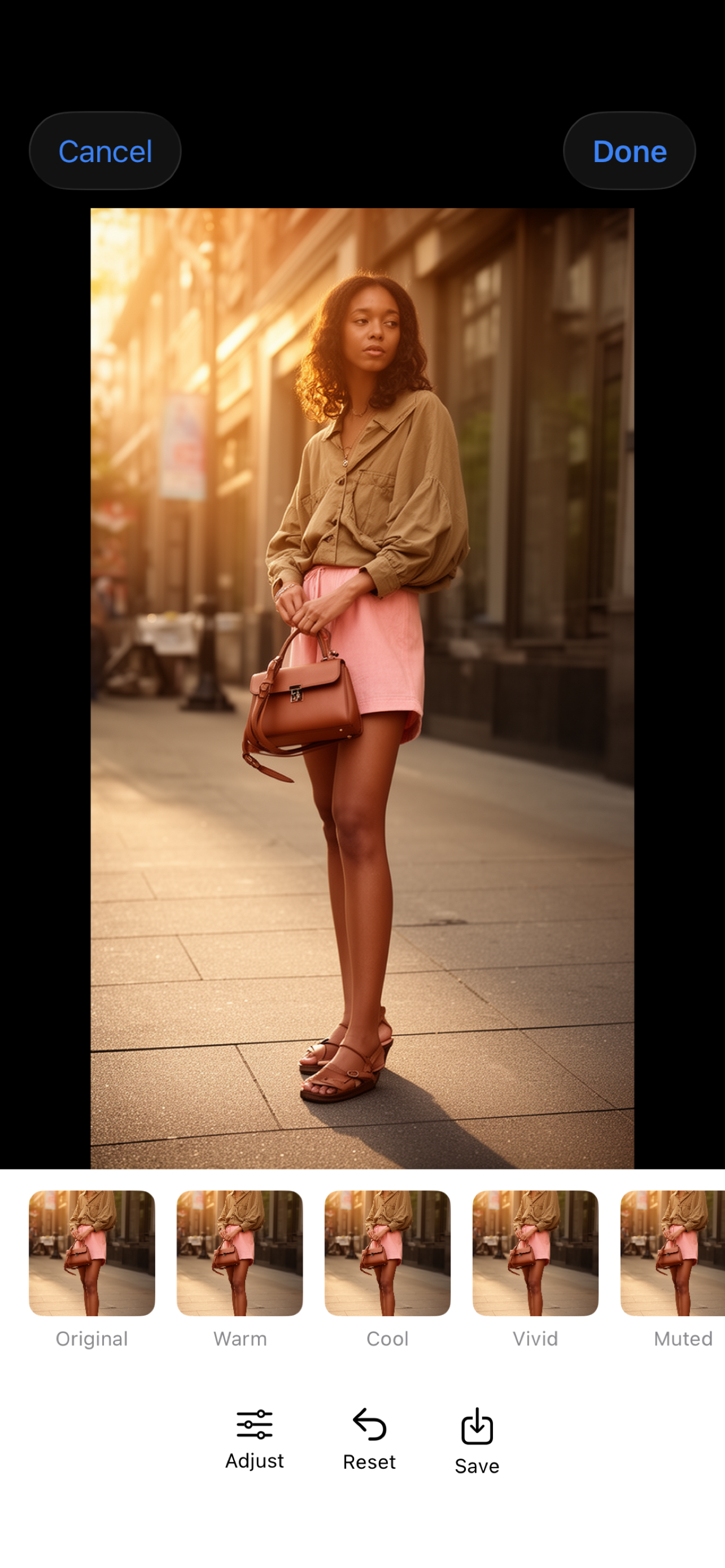
Pixelus Mobile - Photo Editor
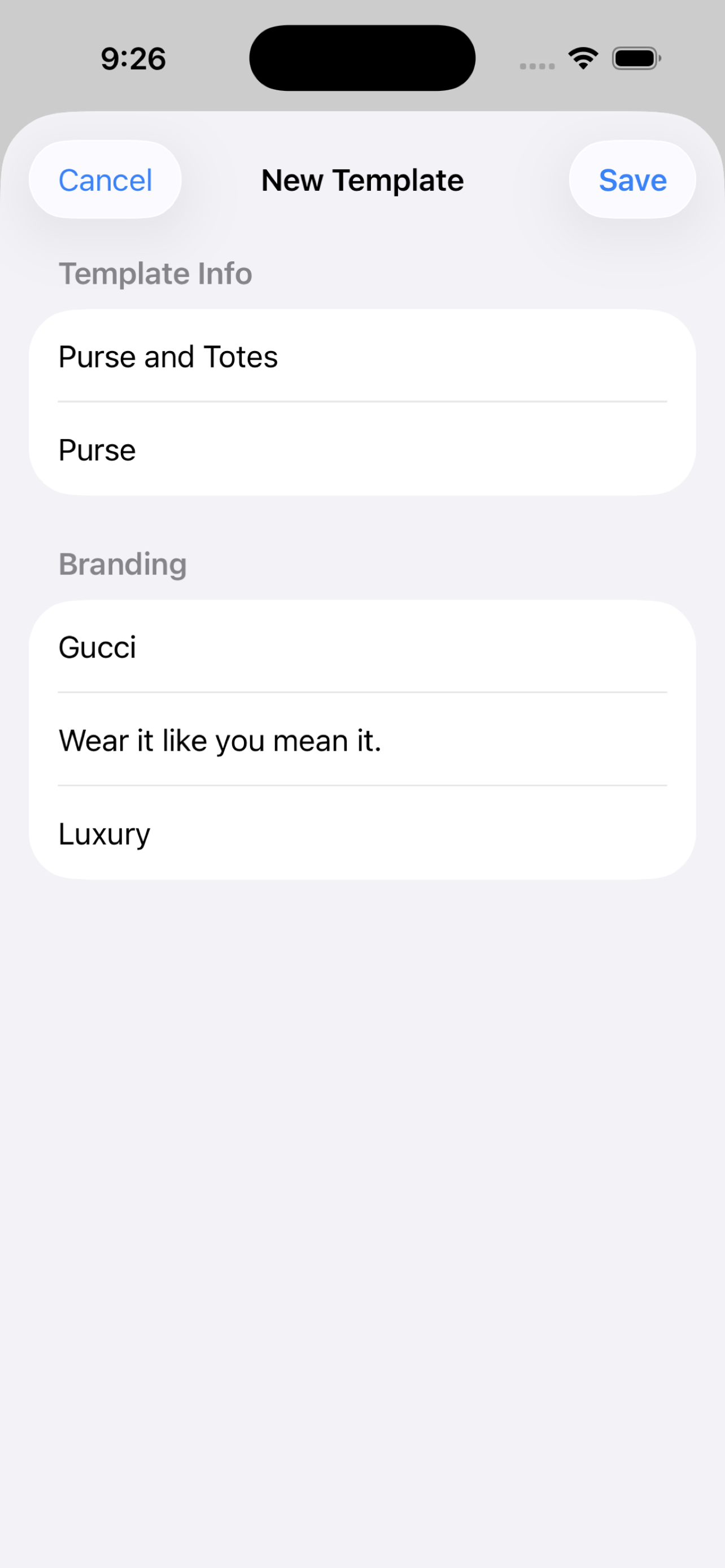
Pixelus Mobile - Brand Template
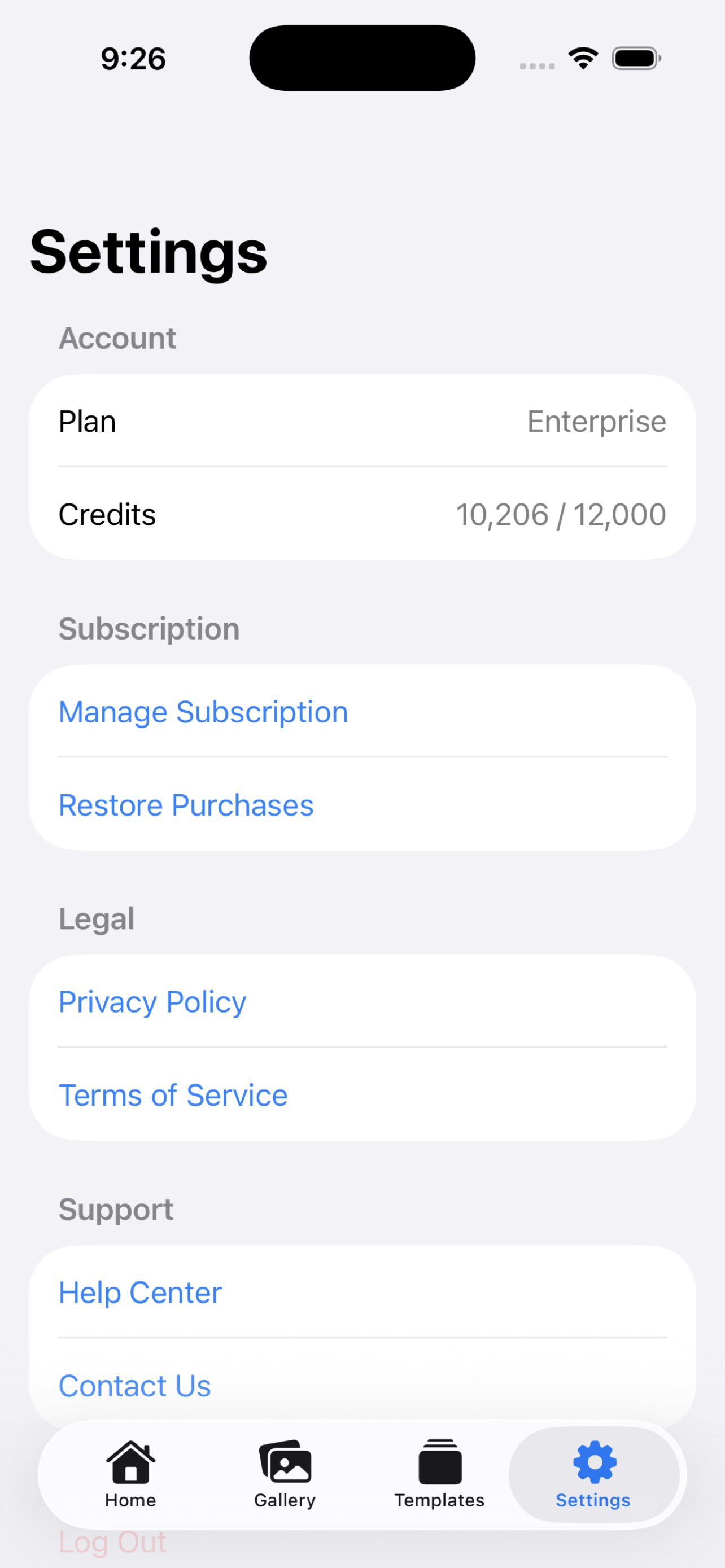
Pixelus Mobile - Settings
Before / After
Product photos captured on mobile, then transformed into campaign-ready scenes while preserving the package identity.
Tide Surf Campaign
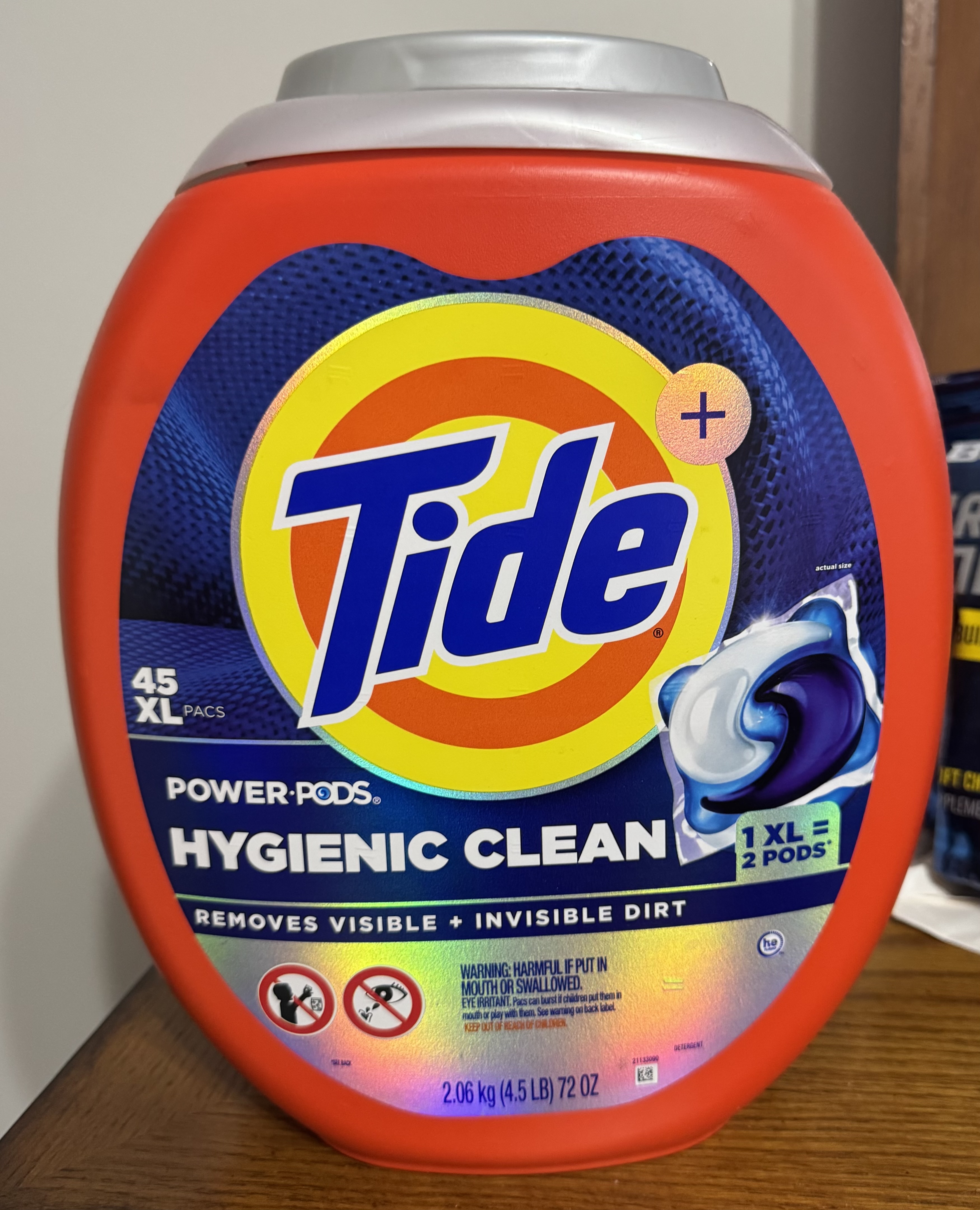
BEFORE
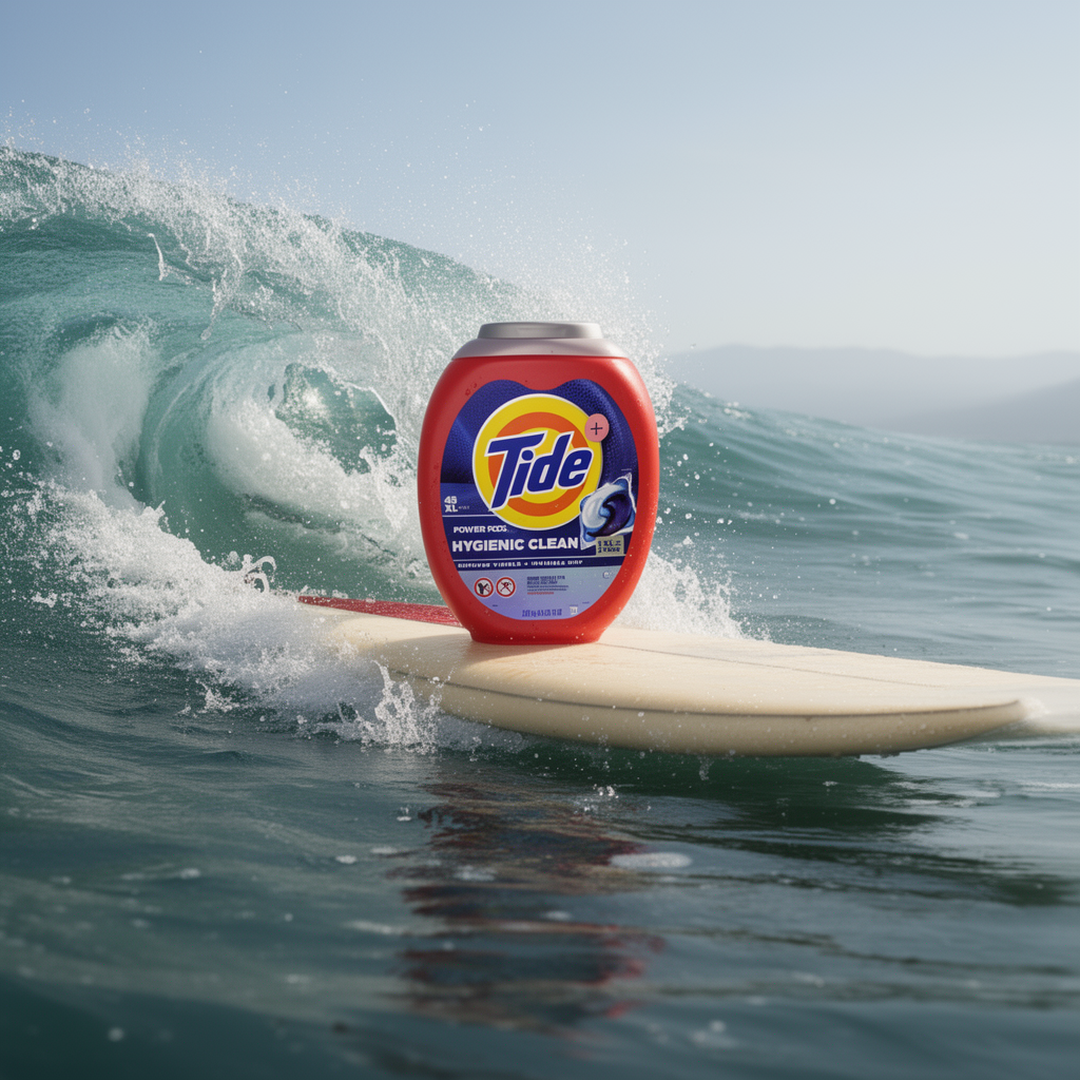
AFTER
Eaglefangs Nest Campaign
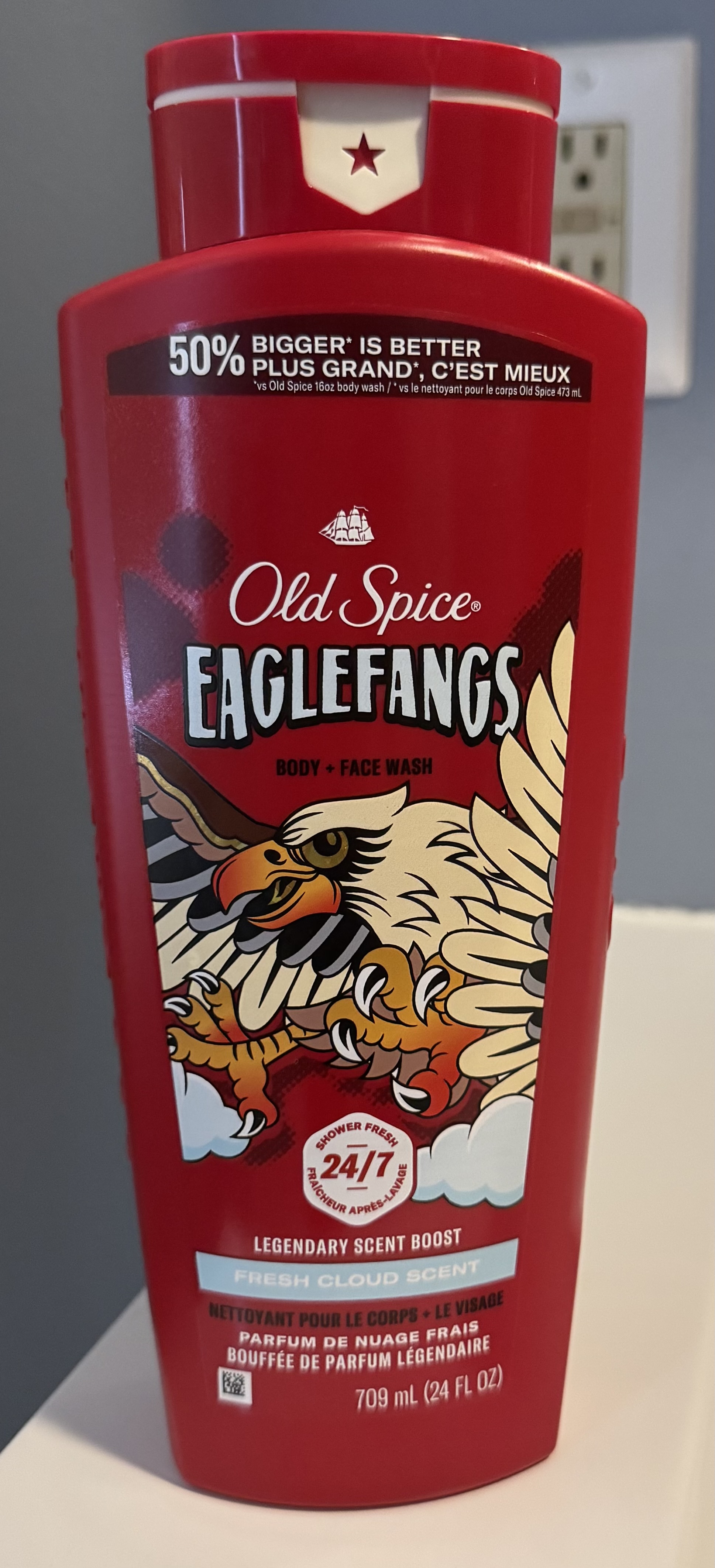
BEFORE
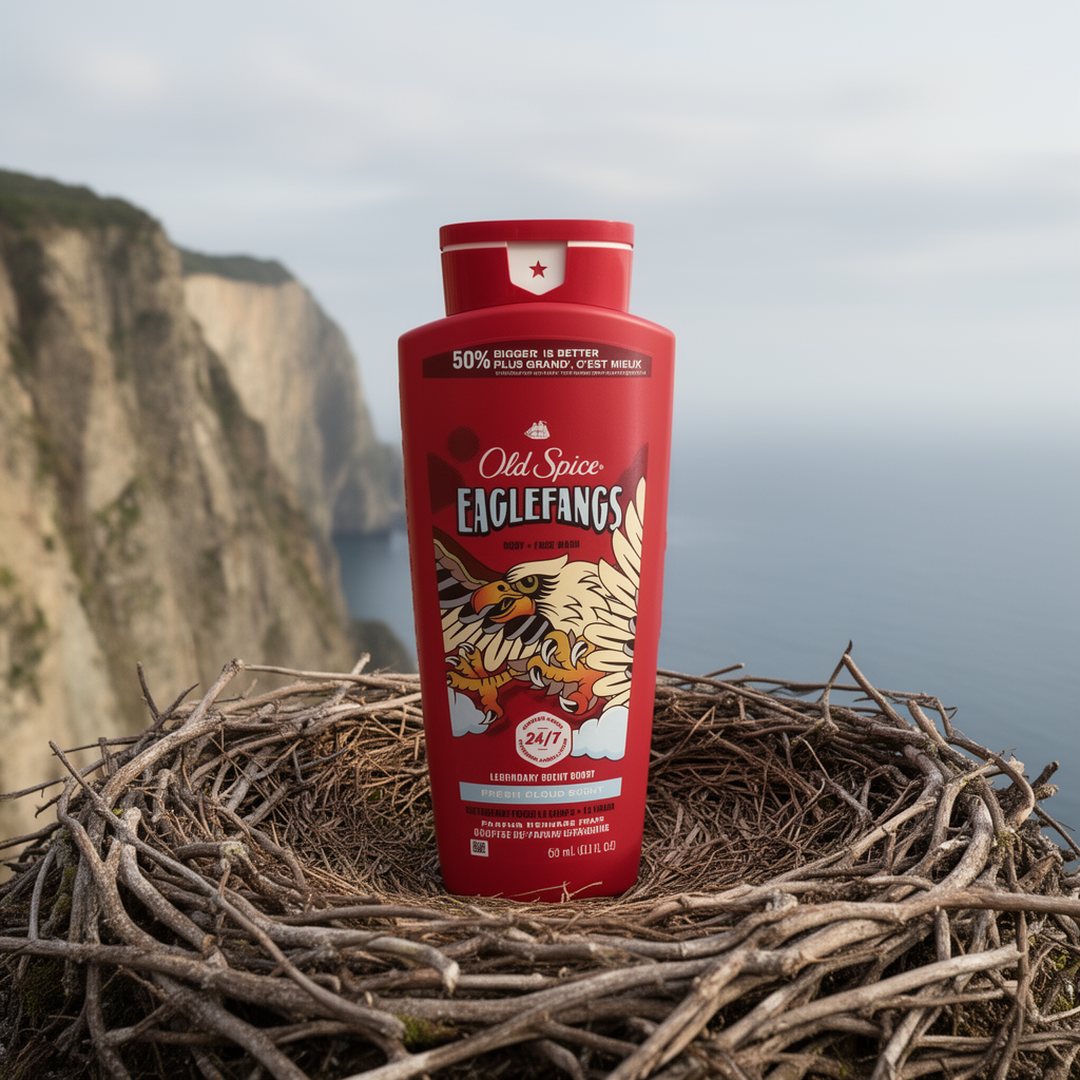
AFTER
Deep Sea Underwater Campaign
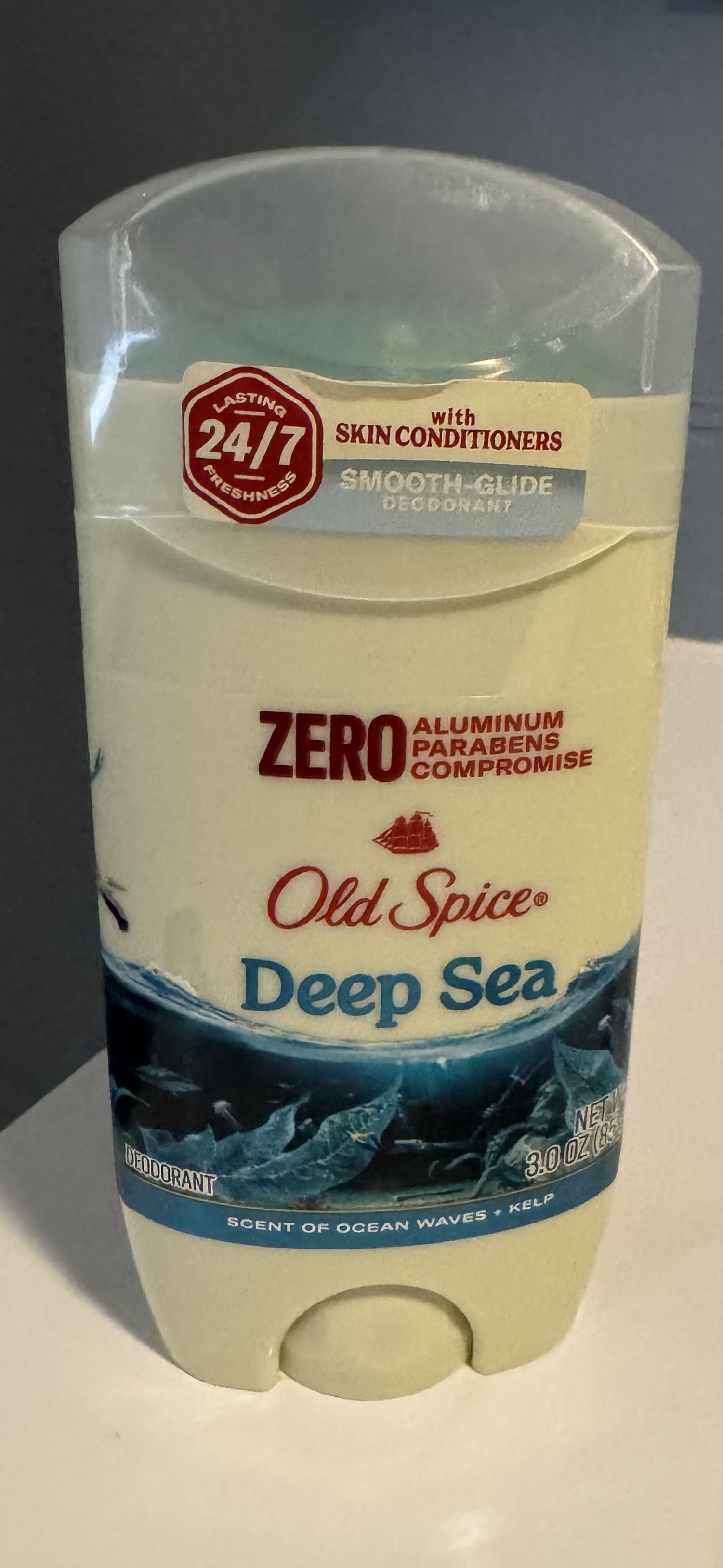
BEFORE
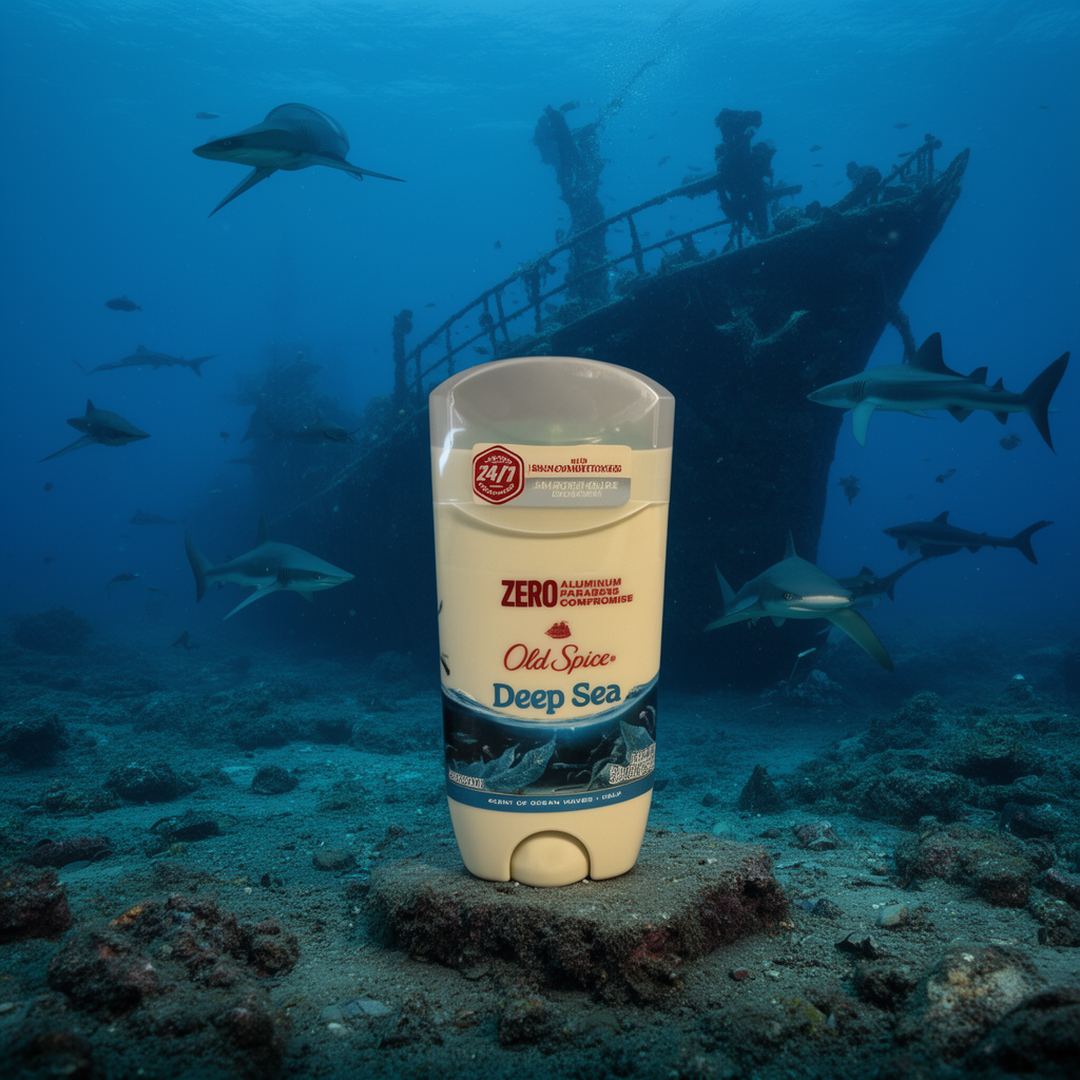
AFTER
Case Study
The Problem
The Pixelus web platform proved the concept: AI-generated product photography that preserves product fidelity. But e-commerce sellers and social media marketers live on their phones. They shoot product photos on their phone cameras, manage listings from mobile apps, and post to social channels on the go. Requiring them to open a laptop and navigate a web app added friction at every step.
Design Challenge
A mobile product photography app needs to feel as simple as posting to Instagram while exposing enough controls to produce professional results. The generation workflow has multiple decision points (style, platform, scene, review) that could easily become overwhelming on a small screen. Each step needs to feel lightweight.
Key Design Decisions
The shoot flow is broken into single-purpose screens: upload, then style, then platform, then scene, then review. Each screen has one job and a clear next action. The review screen shows a cost summary before generating so there are no surprises. Brand templates collapse the repeat setup problem. Save your brand, tagline, and category once, apply it to every future shoot. The gallery uses a masonry grid that shows results at a glance, and tapping into any image opens a detail view with style label, platform format, and action buttons for editing, sharing, or deleting.
Outcome
A native iOS app that covers the full workflow from product photo to platform-ready content. Six creative styles, nine platform presets, batch processing with push notifications, a built-in photo editor, and reusable brand templates. Cloud-based generation means no device hardware constraints.
Technical Highlights
Six Creative Styles
Lifestyle places products in natural scenes. Product Ad creates clean studio shots on white. Artistic generates surreal fine art compositions with dramatic lighting. Clay Render produces matte grey sculpture visualizations. Wireframe creates glowing technical renders. On Model shows products worn or carried by a person.
Platform Export Presets
Nine platform presets with native aspect ratios: Amazon (1:1), Shopify (1:1), Instagram Post (1:1), Instagram Story (9:16), TikTok (9:16), Facebook Ad (4:5), Pinterest (2:3), Etsy (4:3), and Website Banner (16:9). Select multiple platforms per shoot and get correctly sized output for each.
Batch Processing
Upload multiple product photos and generate full campaigns across styles and platforms in a single shoot. Push notifications alert you when the batch completes so you can close the app and come back to finished results.
Photo Editor
Built-in editor with preset filters (Warm, Cool, Vivid, Muted) and manual adjustments. Edit generated images directly in the app before downloading or sharing.
Brand Templates
Save brand name, tagline, product category, and tone as reusable templates. Apply a template to new shoots to keep visual consistency across campaigns without re-entering settings every time.
Scene Control
Choose from preset scenes grouped by category (Food/Beverage, Lifestyle, Luxury/Premium, Tech/Electronics) or write a custom scene description. An Expand with AI toggle rewrites simple ideas into detailed scene prompts.